OnGuard Overview thumbnail

OnGuard Overview

A comprehensive introduction to OnGuard

OnGuard Overview thumbnail

Understand how OnGuard prompts regular proof-of-life check-ins and handles alerts safely.

How to Invite Lone Workers thumbnail

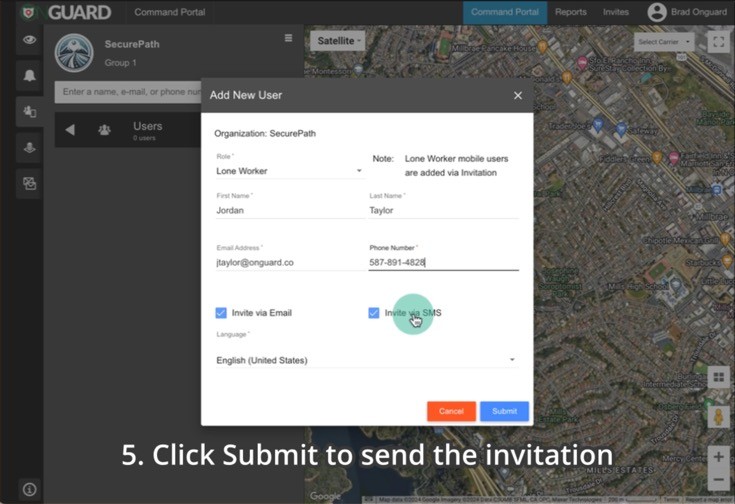
How to Invite Lone Workers

Selecting a Group, then inviting Lone Workers to OnGuard

Creating a Geofence thumbnail

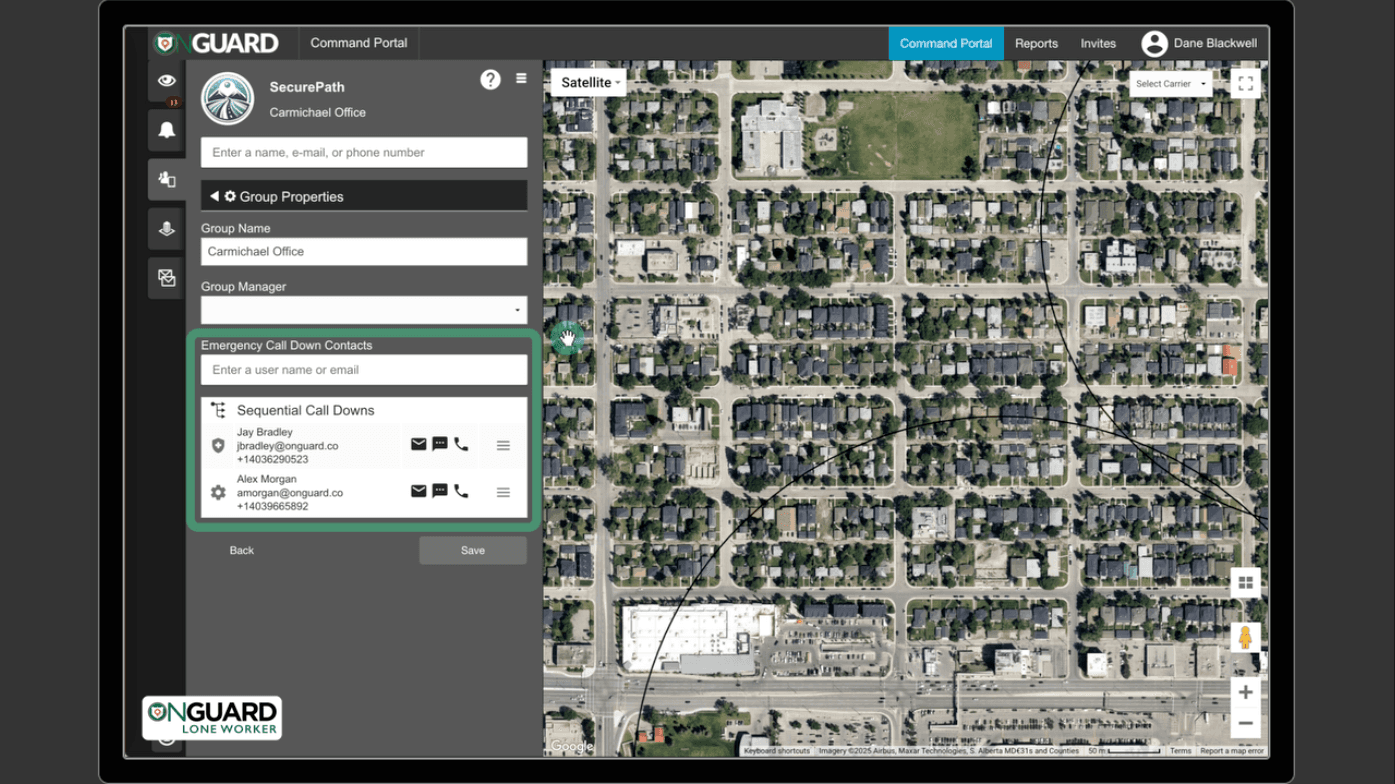
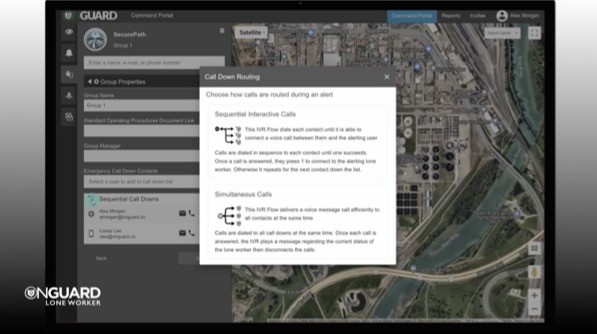
Adding Call Down Contacts

Adding Call Down Contacts in OnGuard Command Portal

Interactive Voice Response System - Managing Call Down List thumbnail

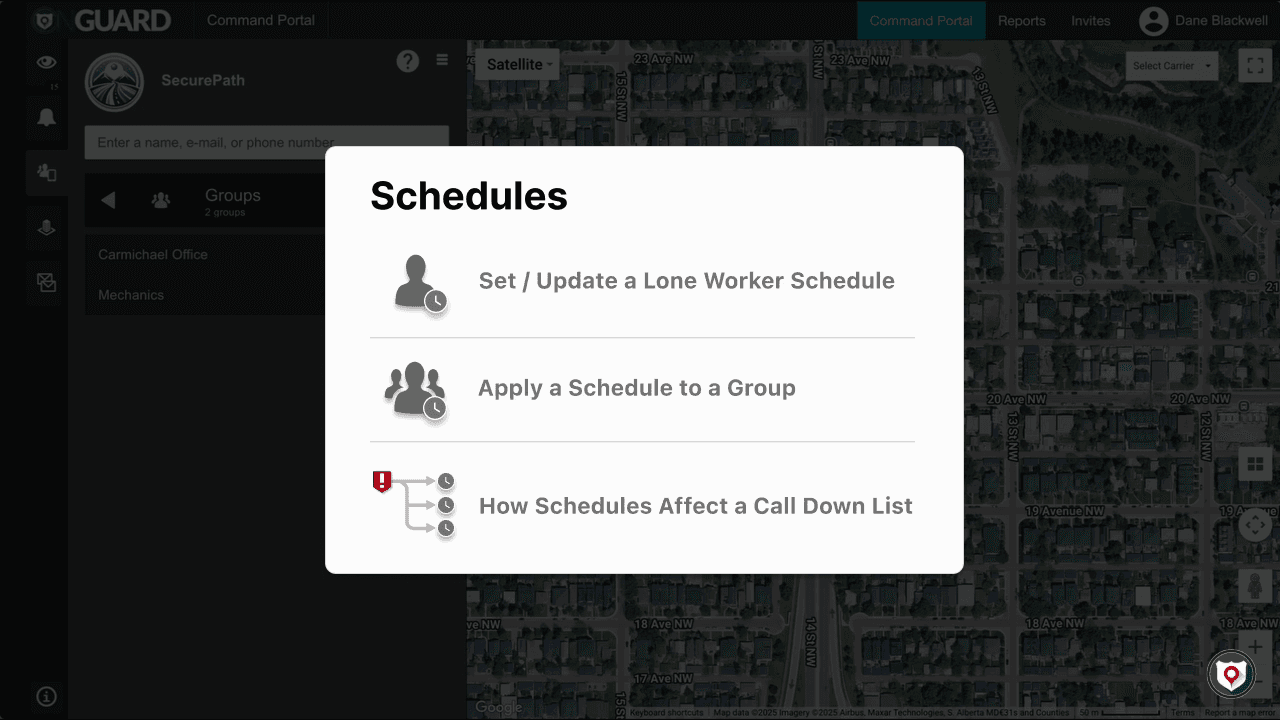
How to Set Schedules and Call Down Notifications in OnGuard

Schedules and Call Down Notifications in OnGuard

Learn how to set user and group schedules in OnGuard, and see how they affect Call Down notifications during alerts.

Interactive Voice Response System - Managing Call Down List thumbnail

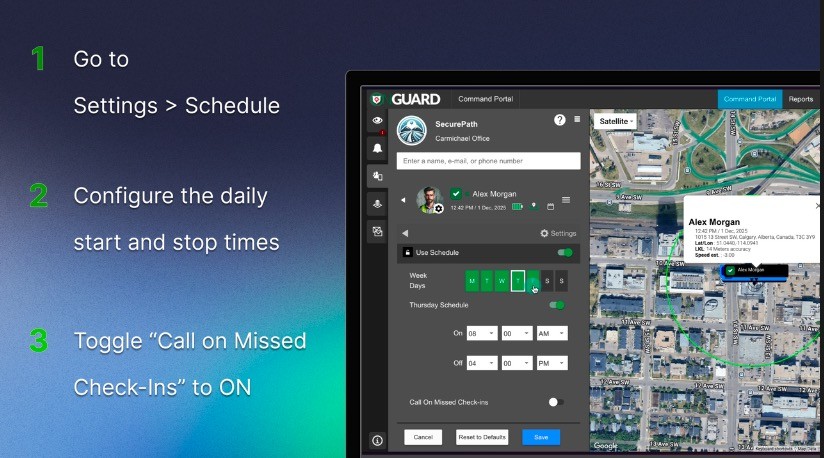
Automated Missed Check-In Handling

Learn how OnGuard automatically handles missed check-ins with scheduled voice calls to ensure lone worker safety and compliance.

Interactive Voice Response System - Managing Call Down List thumbnail

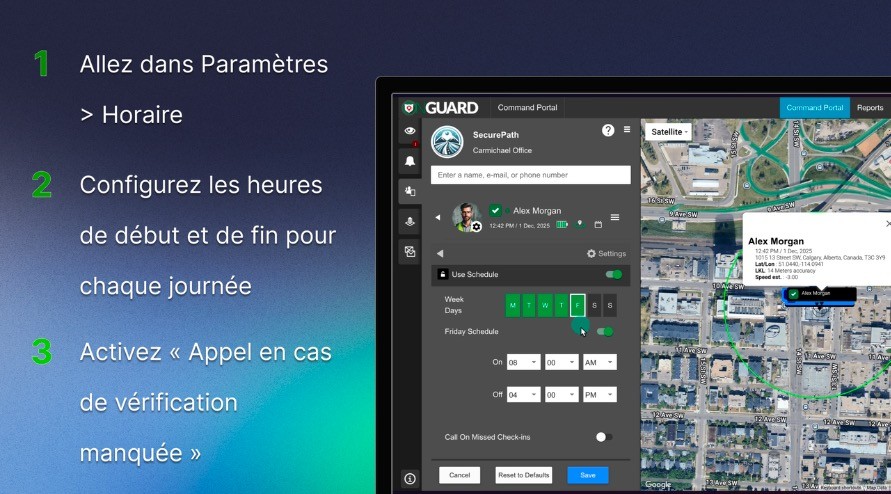
Gestion automatisée des vérifications manquées
Découvrez comment OnGuard gère automatiquement les vérifications manquées grâce à des appels programmés pour assurer la sécurité des travailleurs isolés.

Interactive Voice Response System - Managing Call Down List thumbnail

Interactive Voice Response System - Managing Call Down List

IVR - Managing Call Down List

How to use the Call Down List to manage notifications and IVR calls.

Creating a Geofence thumbnail

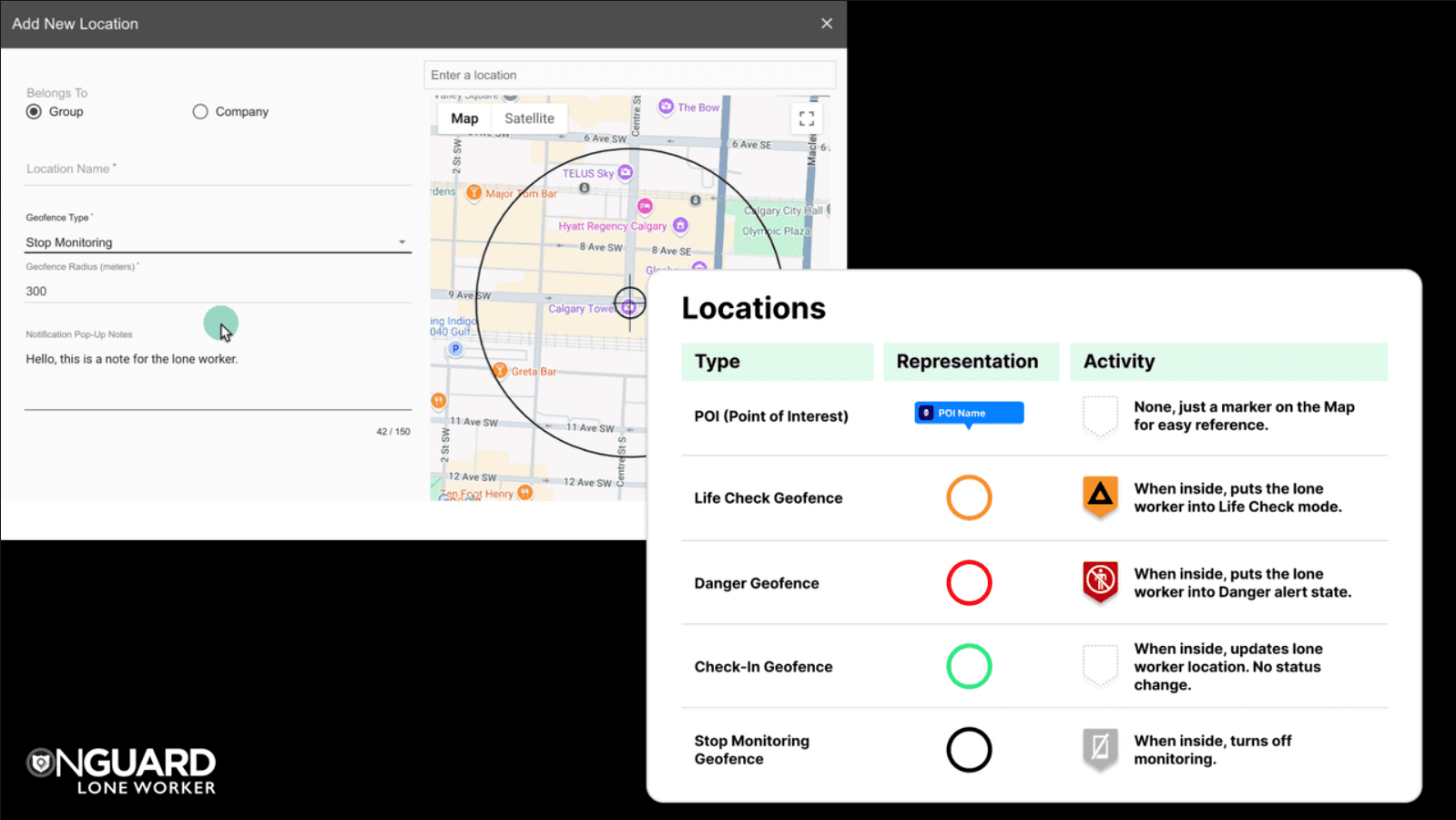
Geofences in OnGuard

An overview of different geofences in OnGuard

Creating a Geofence thumbnail
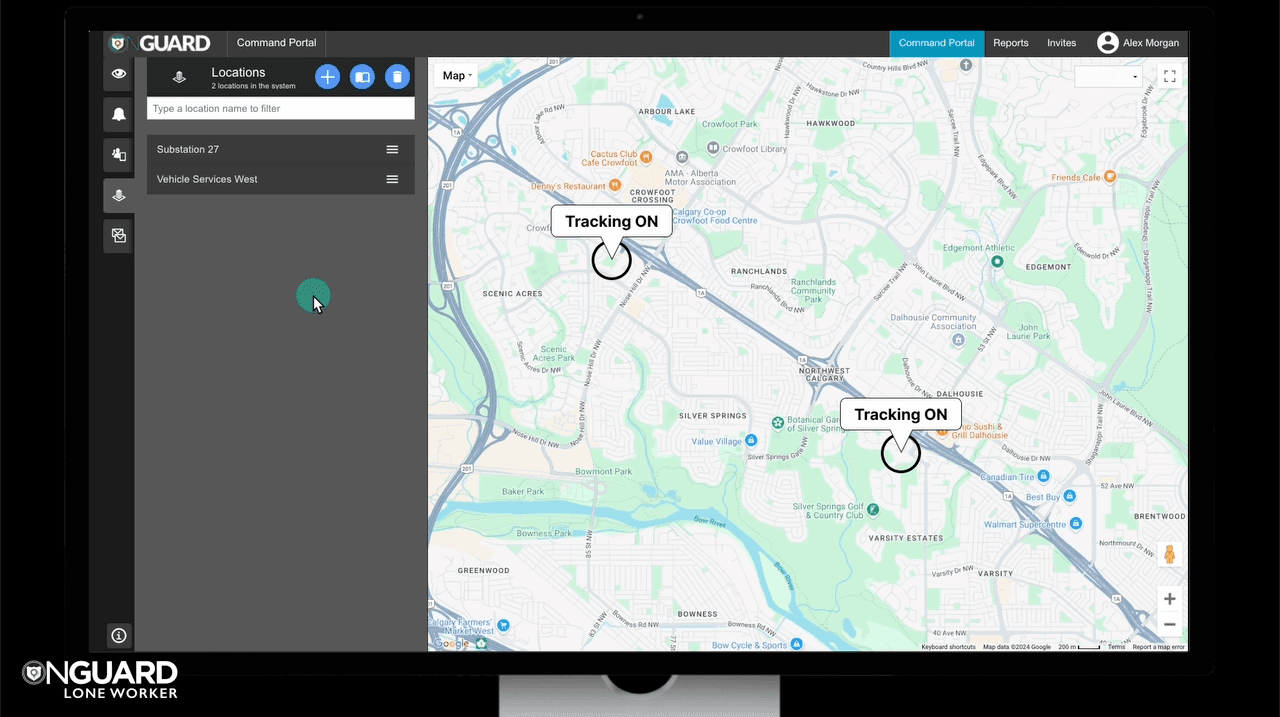
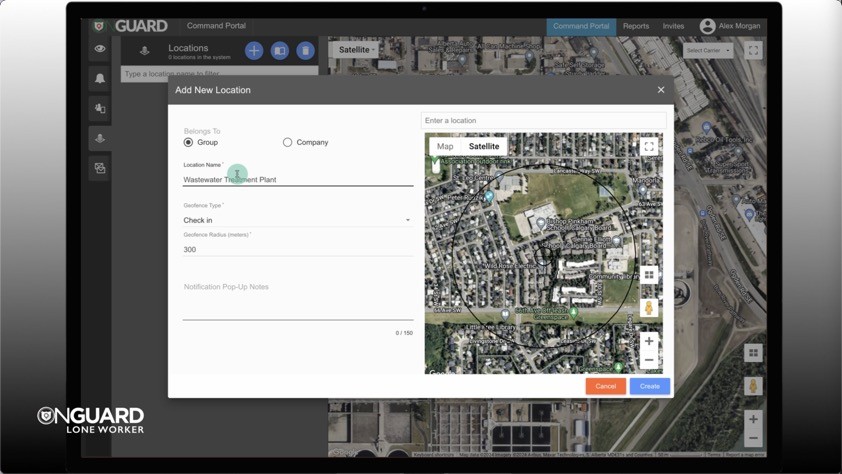
Creating a Geofence

How to manually create a geofence

Creating a Geofence thumbnail

Monitoring Only In Geofences

How to configure Monitoring Only in Geofences in OnGuard, a powerful feature designed to balance lone worker safety with privacy.

How to Start Life Check Mode thumbnail

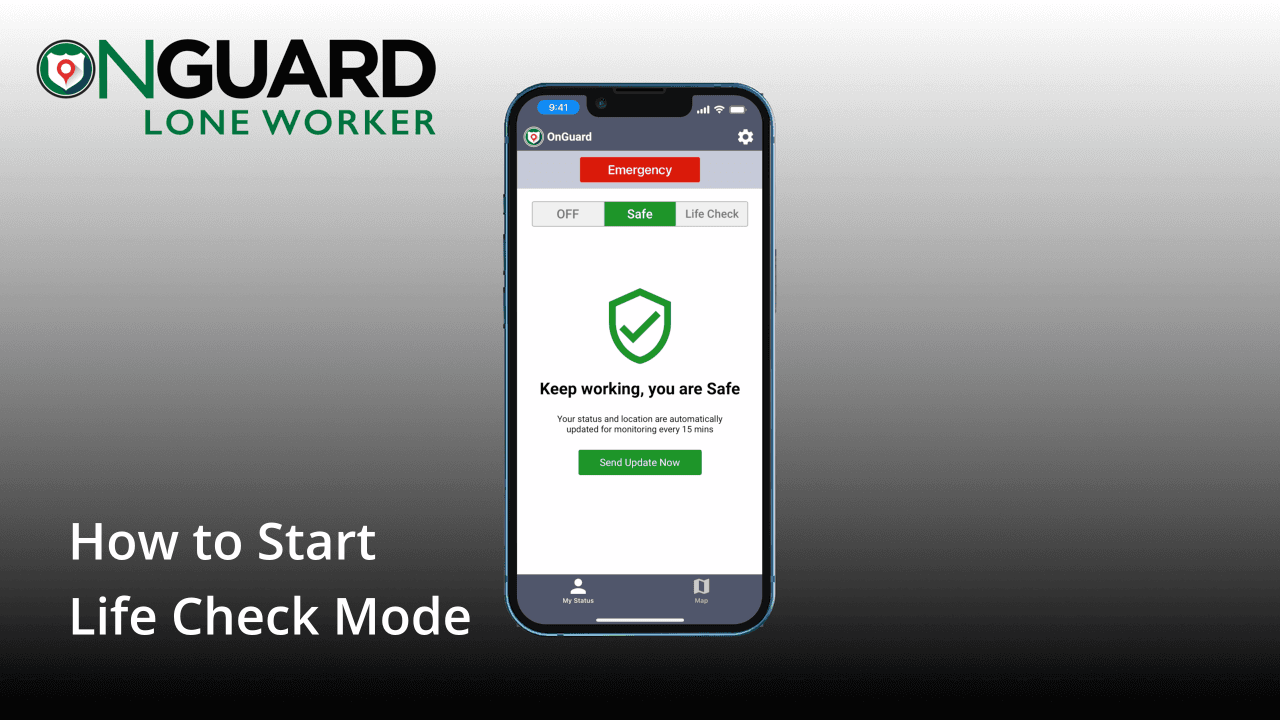
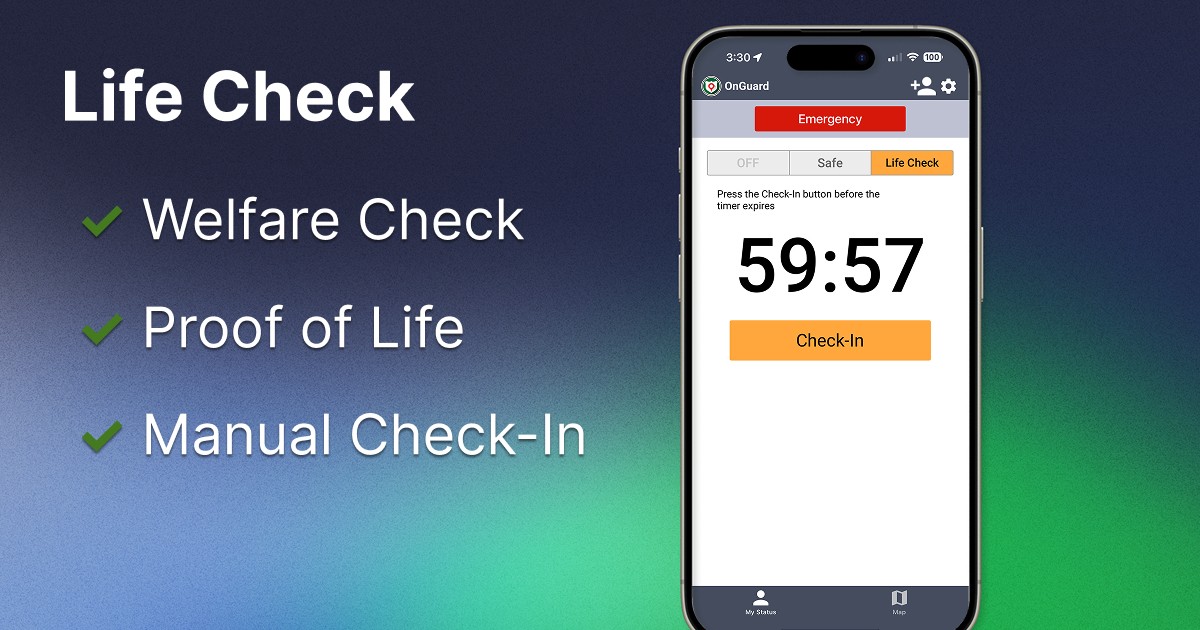
How to Start Life Check Mode

Life Check mode prompts workers to manually check in on a predefined schedule.

Adding OnGuard to Your iPhone Lock Screen thumbnail
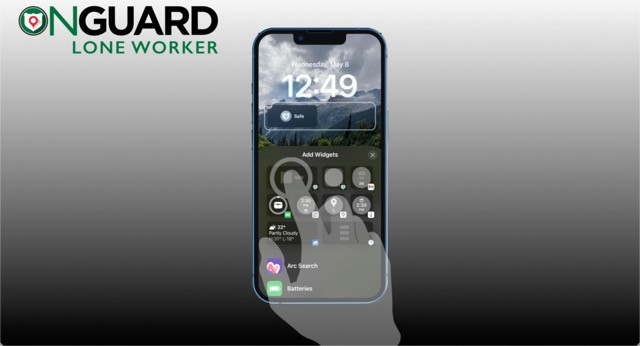
Adding OnGuard to Your iPhone Lock Screen

How to add the OnGuard iPhone lock screen widget to your iPhone

Adding OnGuard to Your iPhone Lock Screen thumbnail

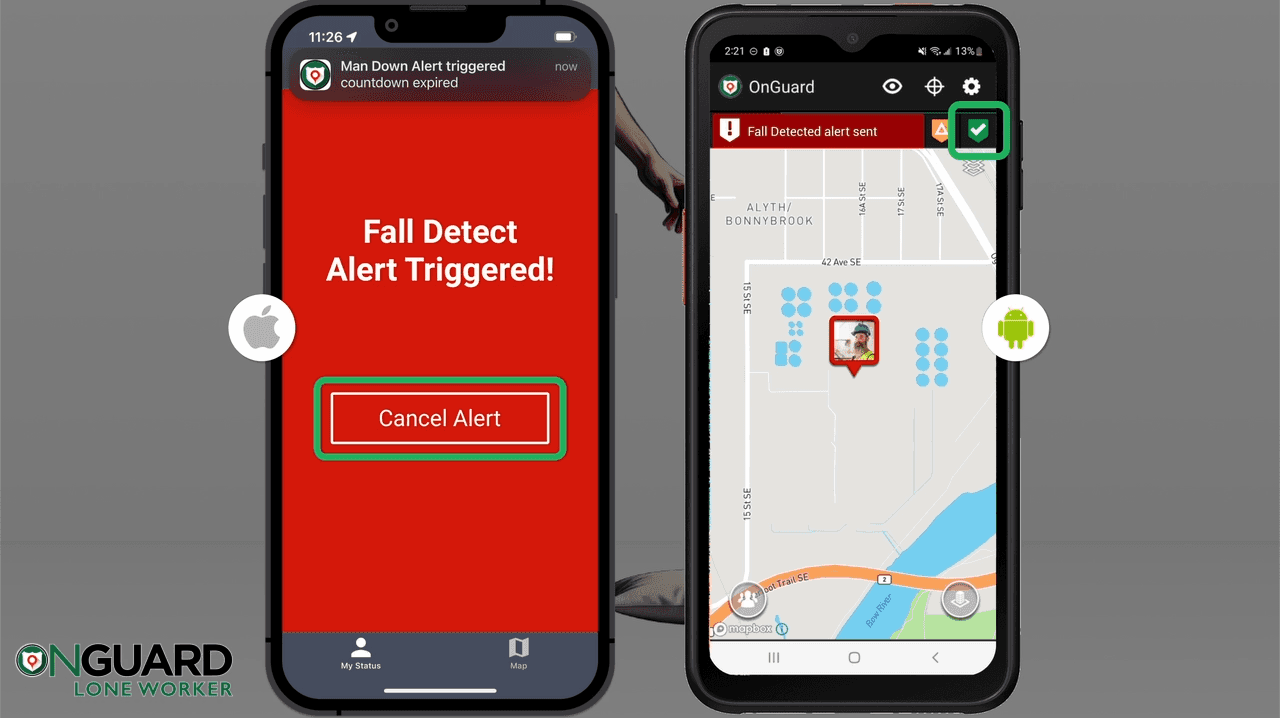
Testing Fall Detection

How to easily and safely test OnGuard Fall Detection.

Adding OnGuard to Your iPhone Lock Screen thumbnail

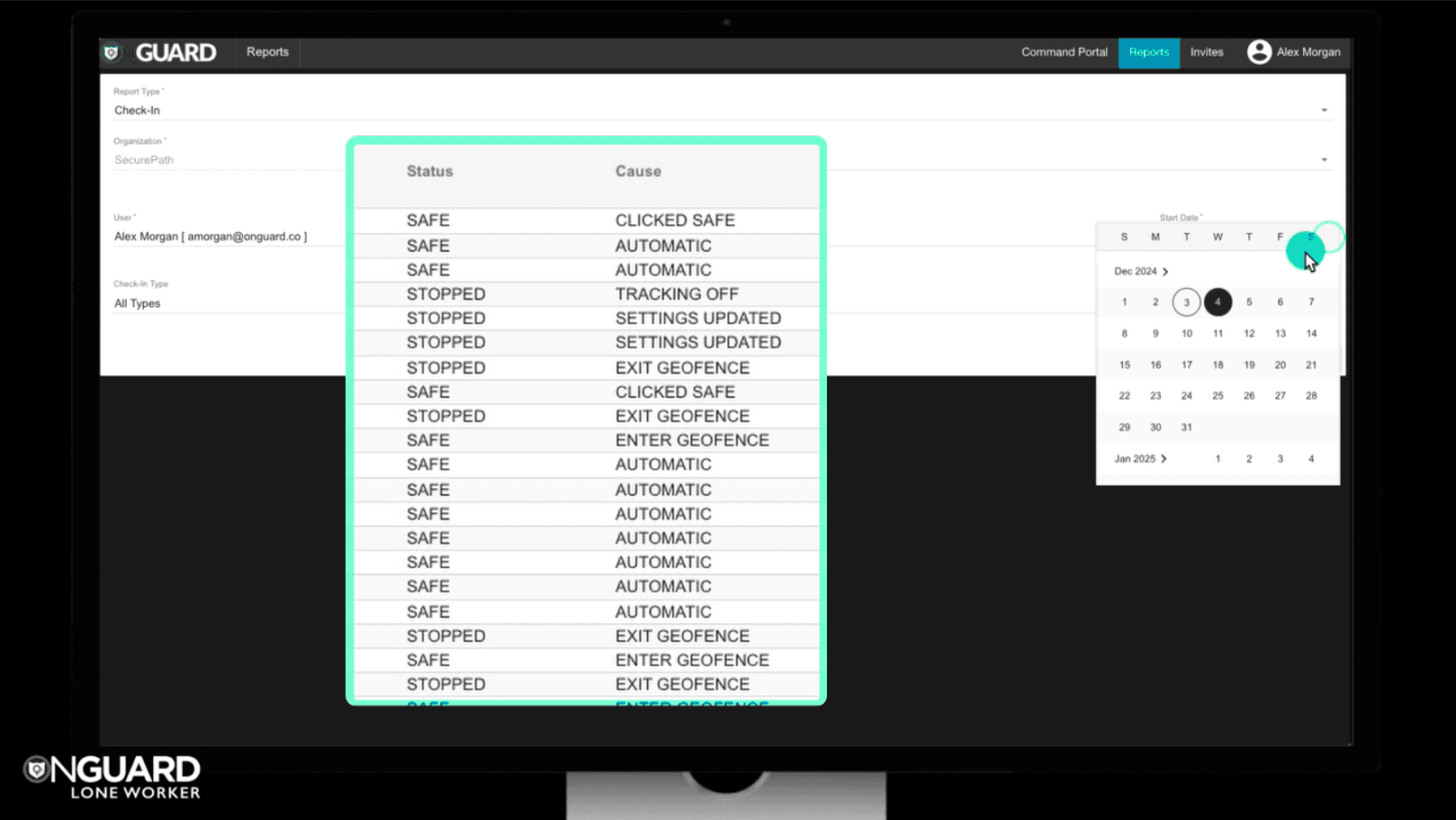
Understanding Reporting

See how OnGuard monitors a lone worker moving between geofenced worksites, automatically starting and stopping monitoring for precise, non-intrusive updates.

Adding OnGuard to Your iPhone Lock Screen thumbnail

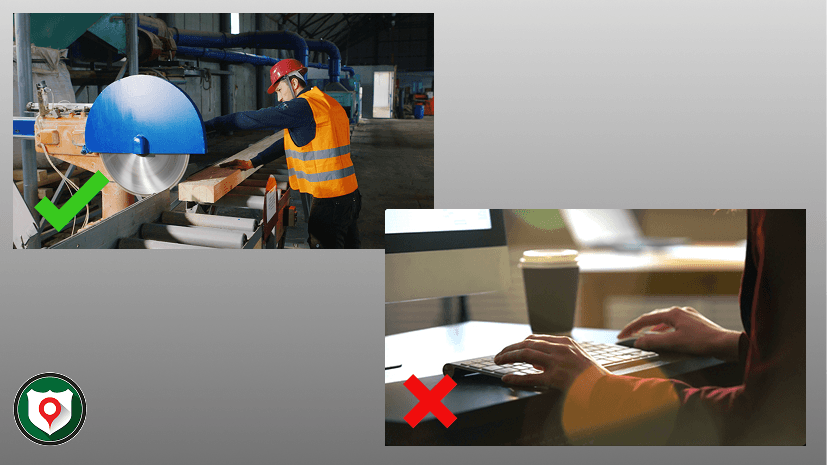
How & When to Use Idle Detection

Learn when Idle Detection is appropriate, how to adjust sensitivity and idle duration, and how workers can cancel false alerts using Shake to Cancel.

Adding OnGuard to Your iPhone Lock Screen thumbnail

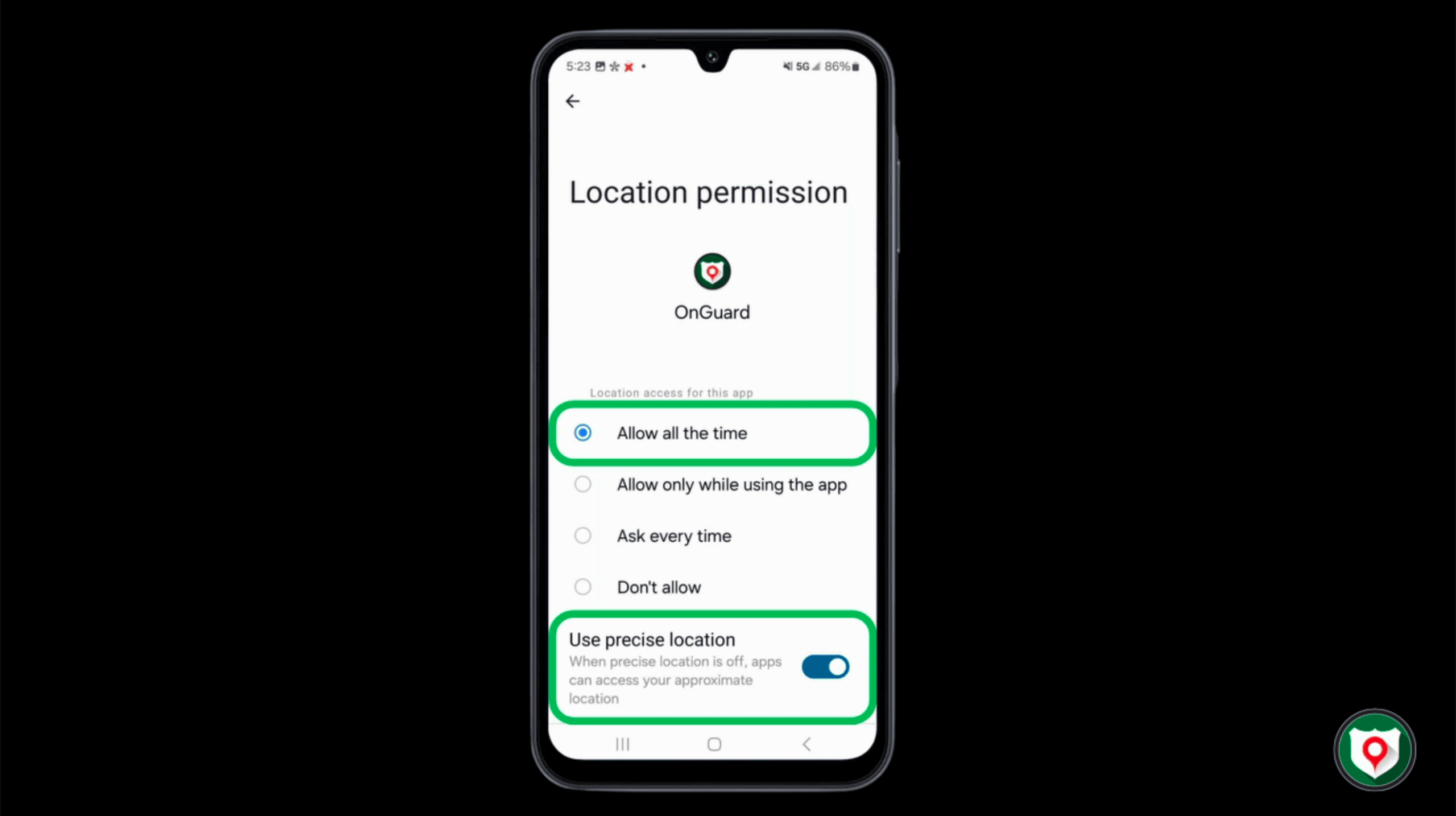
Managing Android Location Settings

How to manage or reset Android location settings for OnGuard

Adding OnGuard to Your iPhone Lock Screen thumbnail

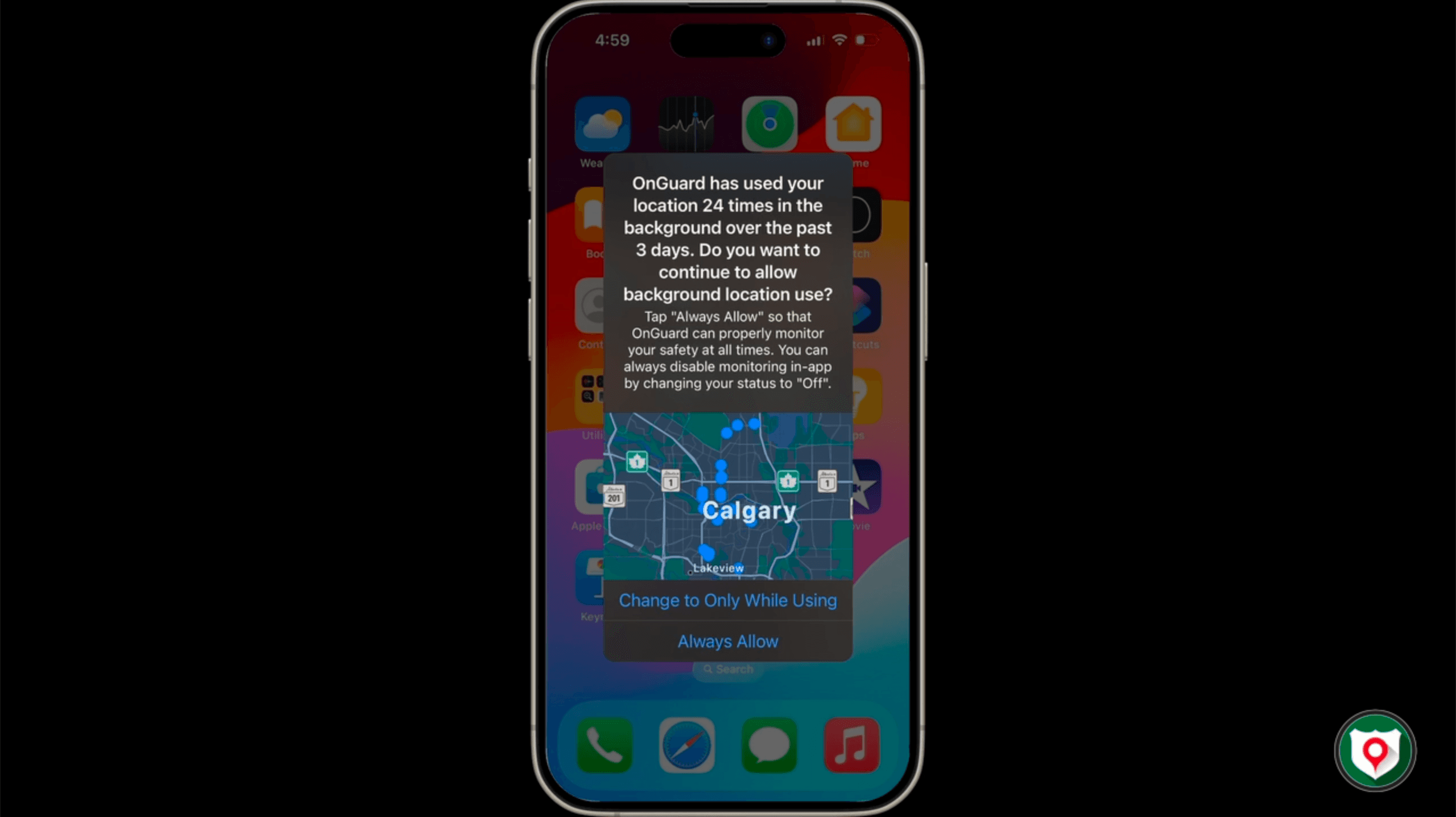
Managing iPhone Location Settings

How to manage or reset iPhone location settings for OnGuard

Adding OnGuard to Your iPhone Lock Screen thumbnail

Alert Response Follow-up Reporting

Review an Alert’s full response history after it’s cleared, generate an Alert Report, and add follow-up notes in the OnGuard Command Portal.

Adding OnGuard to Your iPhone Lock Screen thumbnail

Suivi et rapports après une alerte

Consultez l’historique complet de réponse après la clôture d’une alerte, générez un rapport d’alerte et ajoutez des notes de suivi dans le Portail de commande OnGuard.